STEP 1
You send us your current form
Share your PDF (even scanned), a screenshot, or notes. We review what you currently use and confirm exactly what you want people to fill in.
A simple, fully managed process. No technical setup required from your team.
Share your PDF (even scanned), a screenshot, or notes. We review what you currently use and confirm exactly what you want people to fill in.
We build a clear mobile-first form that is easier to complete on phones and computers. We also improve the flow so people can submit faster with fewer mistakes.
Your form runs on secure cloud infrastructure. There is no server for you to maintain, no software for your staff to install, and no deployment work on your side.
Each new response appears in your sheet so your team can track, filter, and follow up quickly. We also configure an AI-ready analysis environment (including NotebookLM workflows) so your team can ask questions about the data and get fast summaries.
When your form changes, we update it. This is a service, not a DIY tool, so you can focus on your operations while we handle the technical side.
Real screenshots from the current SecureForm.dev flow.
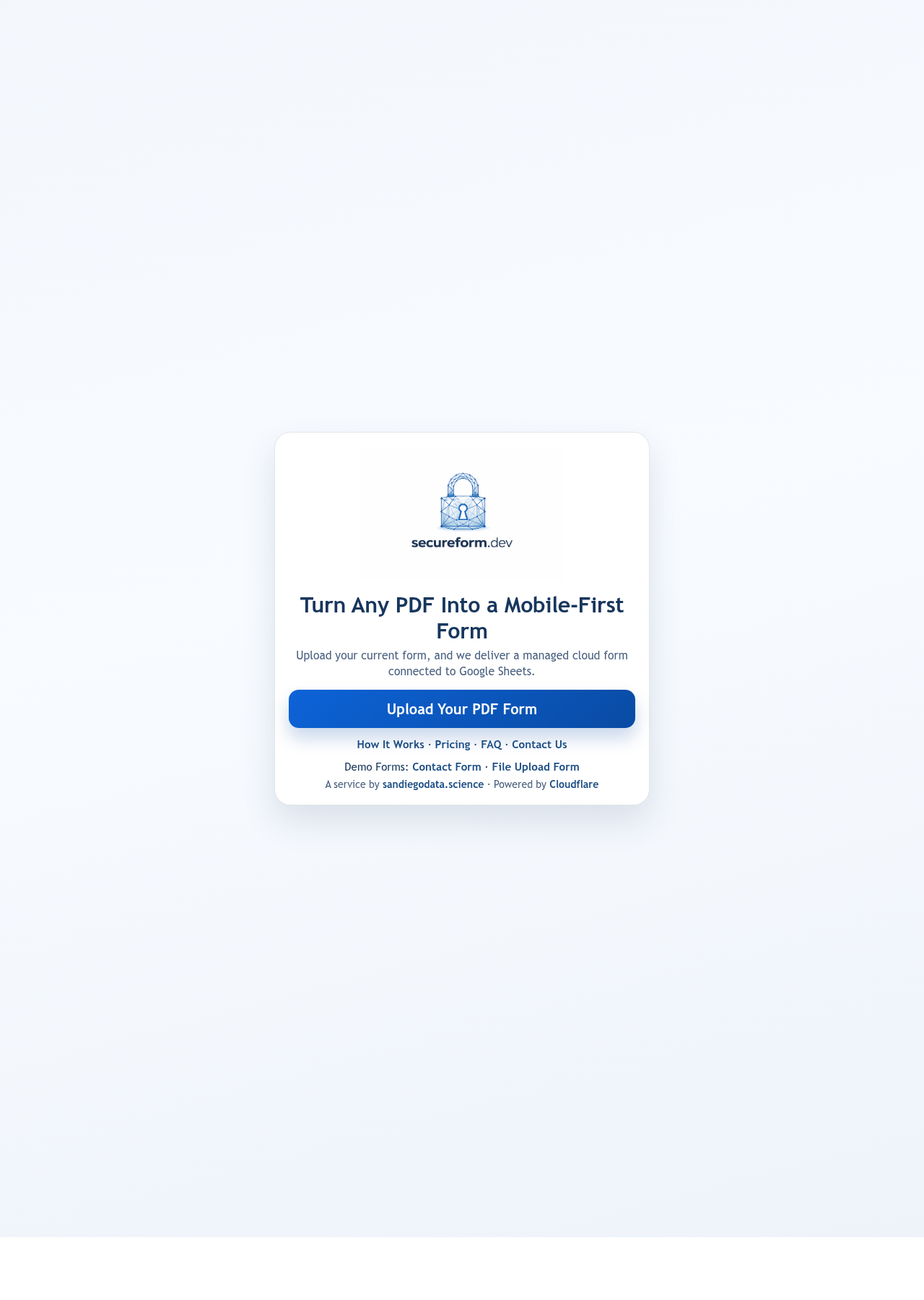
1. Upload your existing PDF form to start the process.
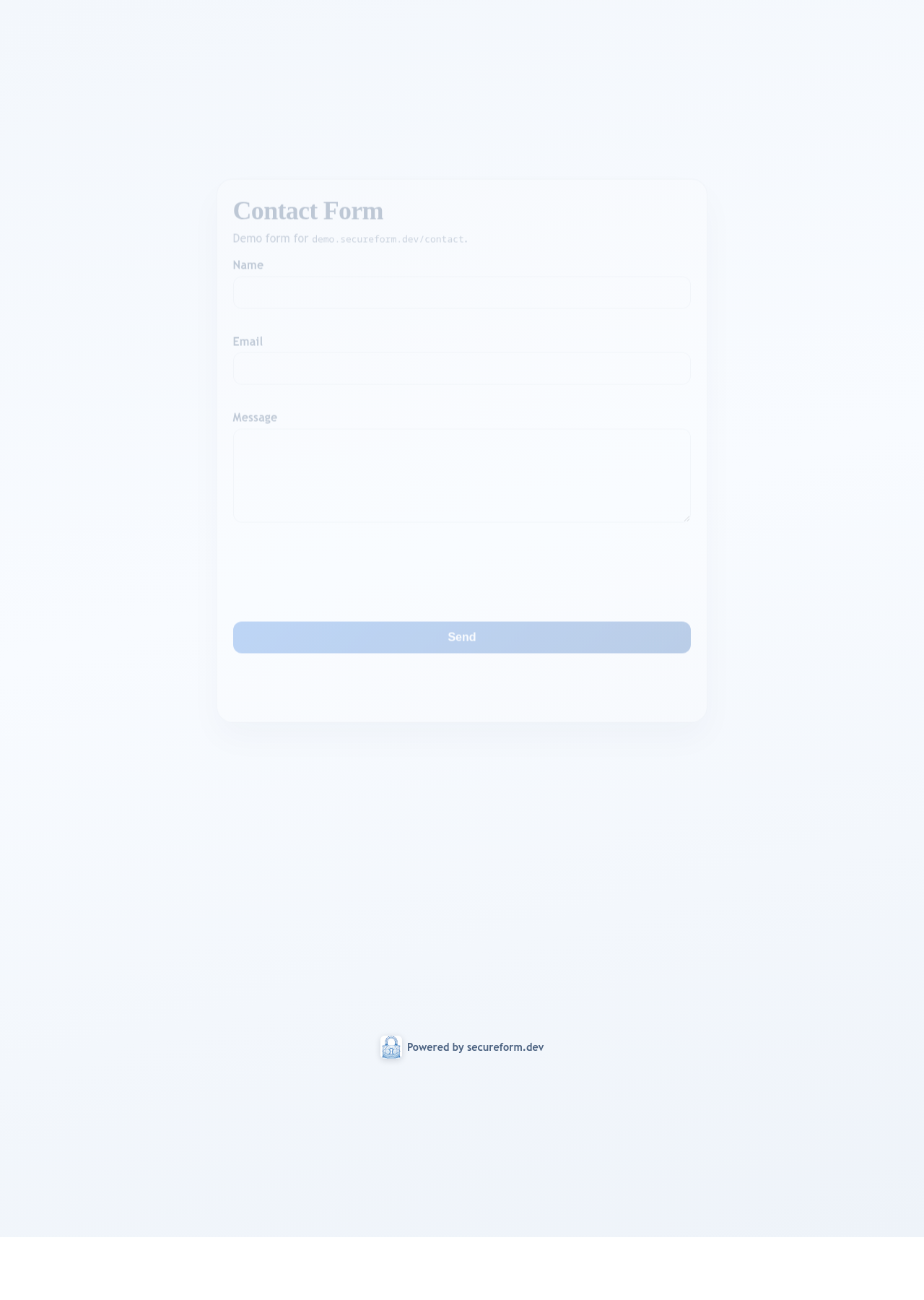
2. We build a clean mobile-first form with validation.
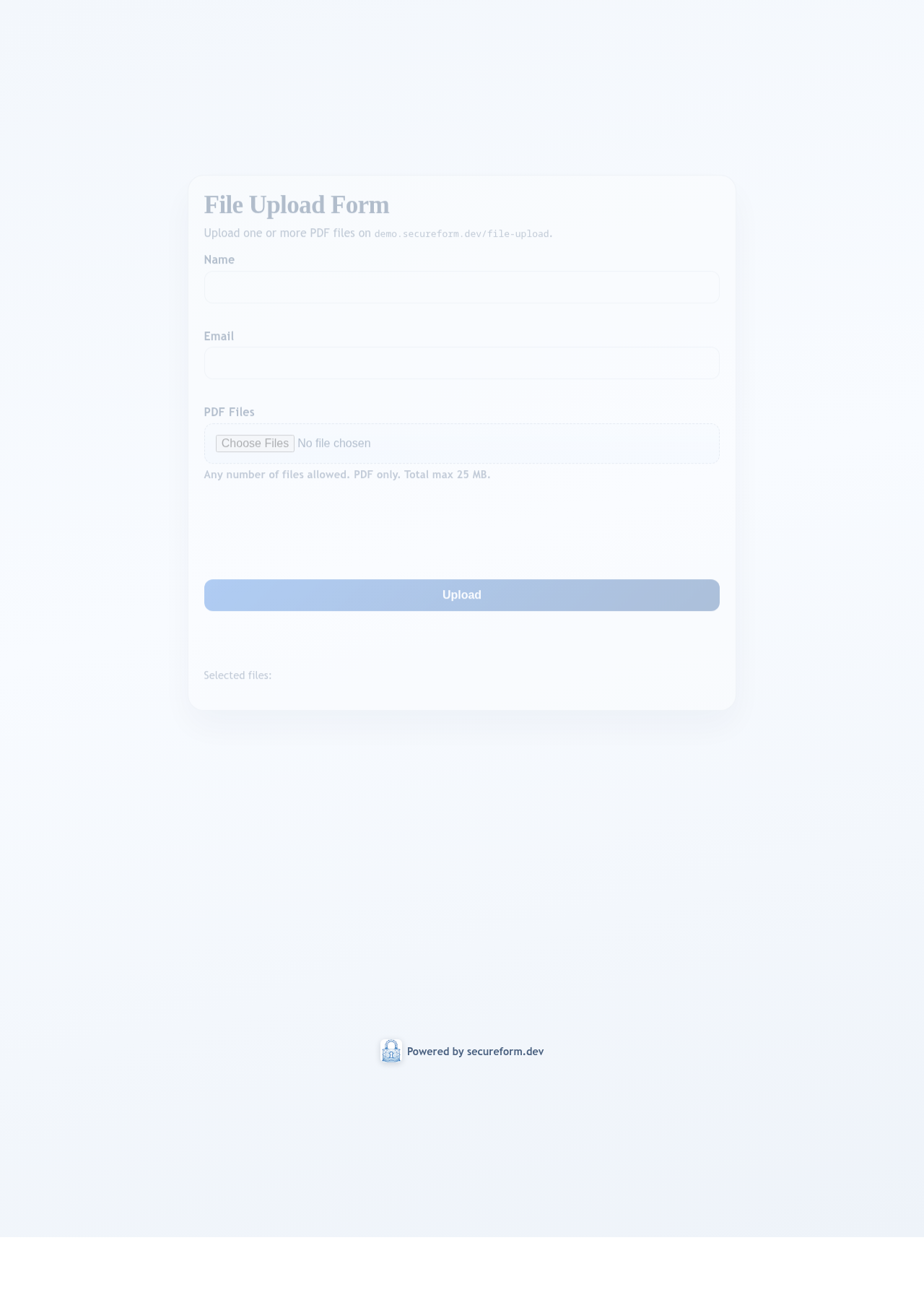
3. Your team receives structured submissions in the cloud workflow.
 Cloudflare